Person-of-interest watchlists
Banned individuals, known offenders, VIPs — any list of people your team needs to know about the moment they appear.
Build your own watchlists — banned guests, known offenders, VIPs — and Sorveo recognises them on your existing cameras, sending an instant alert with a photo to exactly the people who need to act.
Identity watchlists are included in the Professional and Enterprise plans · Compare plans
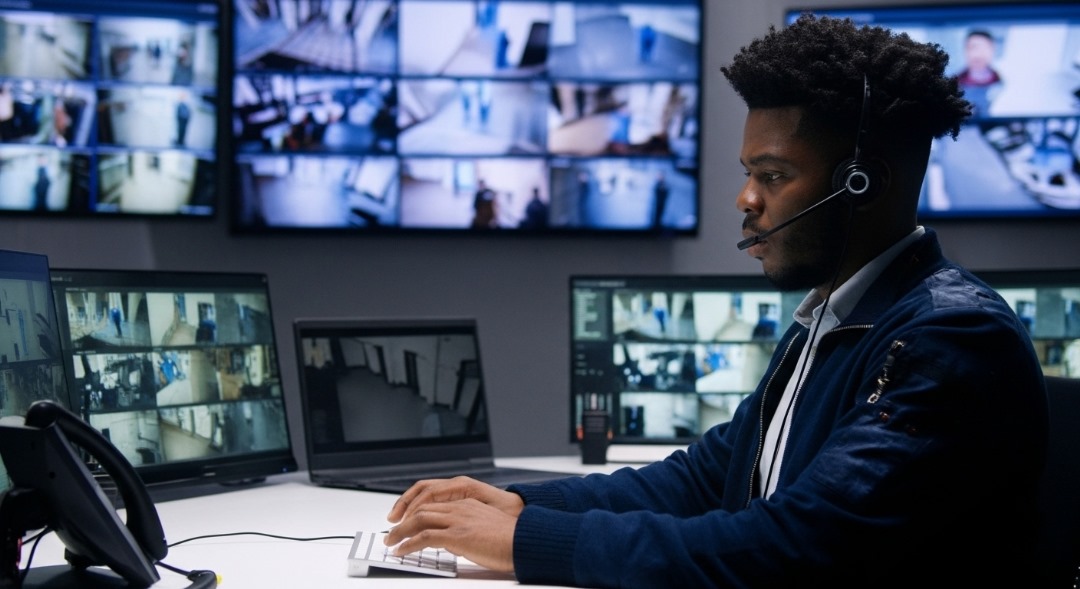
Banned individuals, known offenders, VIPs — any list of people your team needs to know about the moment they appear.
Every match arrives with a snapshot and the camera location, by email and in-app — plus
Normal, Important or Critical — tuned per recipient, so a banned individual is loud and a VIP arrival is a discreet heads-up.
Each person is notified only about the watchlists and cameras that concern them. Repeat alerts for the same subject are suppressed.
Enrol singly or in bulk (20 per batch). Faces sync to every relevant camera with automatic retry, offline detection and recovery.
Turn an "unknown person" sighting into a named, watchlisted person in one click from the recognition log. Investigations
Previously caught or banned individuals trigger an instant alert to the floor team when they re-enter the property.
Banned guests raise a critical alert to security; VIP arrivals send a quiet heads-up to the duty manager.
Watchlist matches in branch lobbies route discreetly to the security supervisors subscribed to that branch.
People barred from the estate are recognised at gates and common areas, and the gatehouse is alerted immediately.
Need to know about everyone except authorised people? Use an allowlist on restricted cameras. Access control
The invite-only Sorveo Hospitality Intelligence Network lets venues share governed watchlist entries. Learn about the network
People. Watchlists are face-based lists of persons of interest that you create — banned guests, known offenders, VIPs or anyone your team needs to know has arrived.
Only the people subscribed to that watchlist or camera. Each watchlist has an alert level — Normal, Important or Critical — tunable per recipient, and alerts arrive with a photo and location by email and in-app, plus
Enrol them singly or in bulk (up to 20 per batch), and Sorveo syncs their faces to every relevant camera with automatic retry and recovery. You can also turn an "unknown person" sighting into a named, watchlisted person in one click from the recognition log.
Yes. Watchlists are wholly customer-owned. Sorveo doesn't supply watchlist content and there is no general-population database matching. Cross-organisation sharing exists only in the invite-only Sorveo Hospitality Intelligence Network, under a governed approval process.
A discovery call about your watchlist scenarios — enrolment, matching, alert levels and routing.